
Go to Scheduling > Edit Schedule > List View
Set Start and End date using calendar.
Click on Display Filter.
Filter the roles needing modification.
Click in the open box to the left of all assignments needing the same modification to highlight assignments.
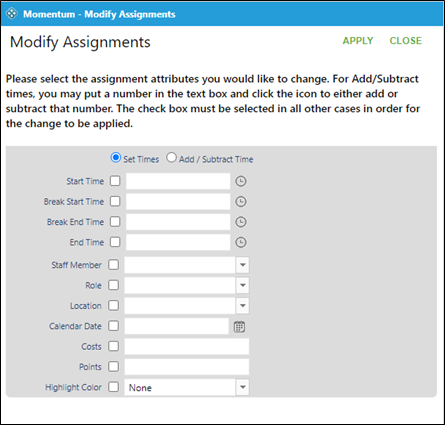
Click on Modify Assignments on the right side of the screen.
Update times, staff, role, location, date, points as needed.
Click on Apply.
Note – Changes will affect all chosen assignments at one time.
Bulk updates can also be made using the new date view multiselect option.