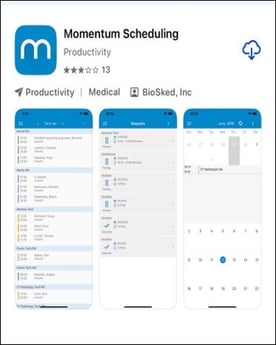
On Apple devices Momentum Scheduling app is available in the Apple store. Please choose the one with Biosked listed under the app name.
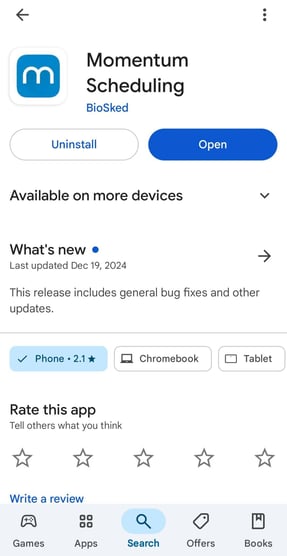
On Android devices Momentum Scheduling app is available in the Google Play store. Please choose the one with Biosked listed under the app name.
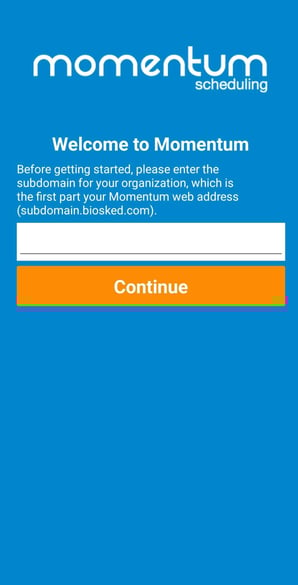
When logging into the mobile app for the first time the “subdomain” name, which is the name of the specific Momentum database for the site will need to be added. The name of that “subdomain” is the string of characters at the beginning of the web address before the .biosked.com (in upper or lower case). Admin will be able to assist in the case of questions.
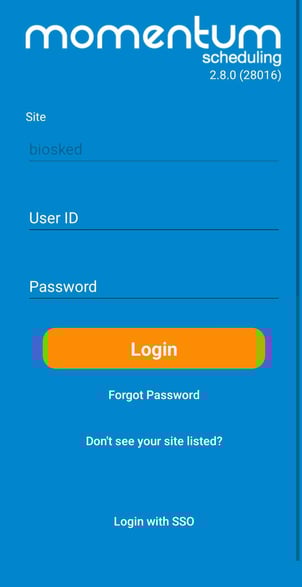
The login and password will be the same as the login for the web application.