
Change Password
Login to Momentum.
Click on the link User: Lastname, Firstname on the blue footer at the bottom of the webpage.
Click on CHANGE MY PASSWORD in the upper right corner.

Enter old password and new password twice.
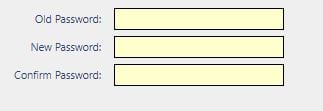
Click on the green Change Password to save.