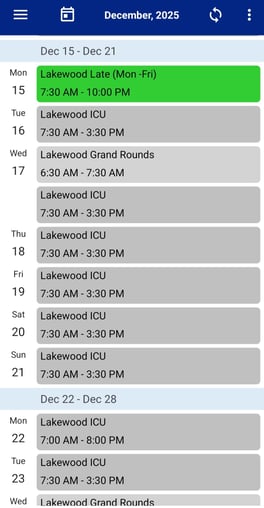
The default screen is the daily schedule for the provider.
Click on the three horizontal lines in the upper left corner to open the main menu.
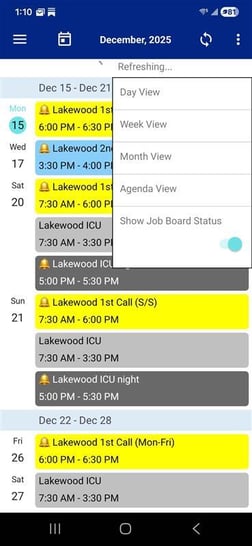
Click on the three dots in the upper right corner to choose Date View, Week View or Month View of own schedule.
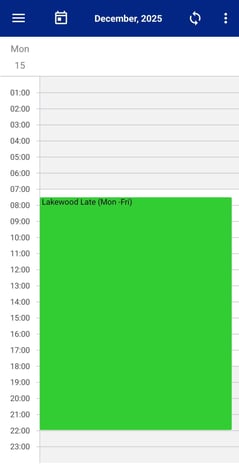
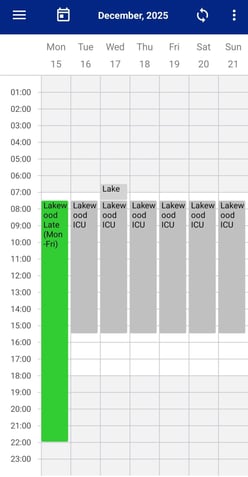
The week view will show the current week and the assignments for the provider.
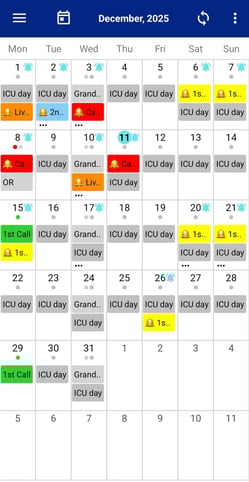
The month view will show the current month and dots for each day that the provider has an assignment.
Click on a date on the month to open that day’s schedule.
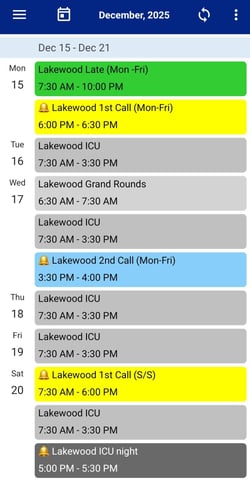
Agenda view shows the My Schedule view with the option of showing the job board view. To view the job board status click on the three dots and choose Show Job Board Status. This view will show the individual provider schedule along with all available assignments posted on the job board.
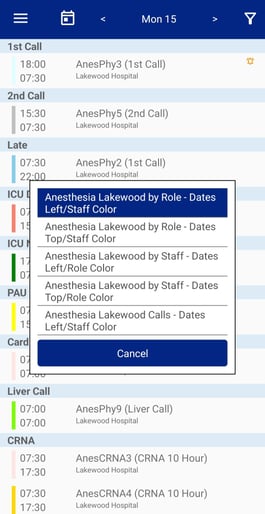
The team schedule will present different filtered views of the entire schedule, not just one provider.
By clicking on the three dots in the upper right corner, a popup with the available filter views will show. Filters by staff or by role may be available depending on the administrator.