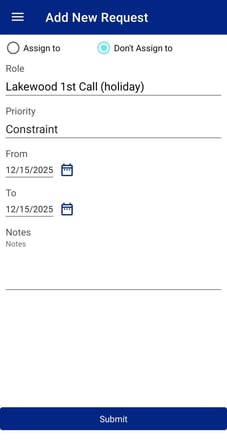
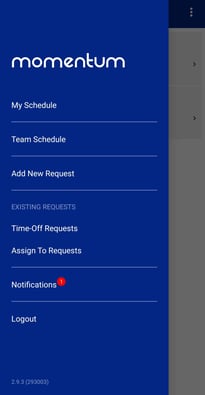
Requests can be added by choosing Add New Request from the main menu.
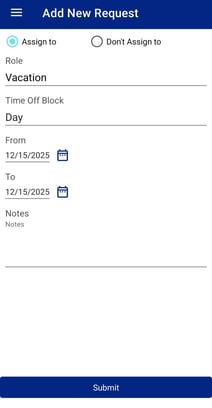
It will bring up a page where the provider can choose time off and a date range for the request. The save button will submit the request.
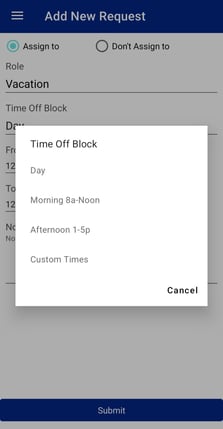
By clicking on the dropdown under Time Off Block the choice of blocked time off (AM, PM, Full Day) can be chosen.
By clicking on the request type any available time off roles will drop down to choose request type. Choosing a role to work on is also available on this menu under Time Off Roles.
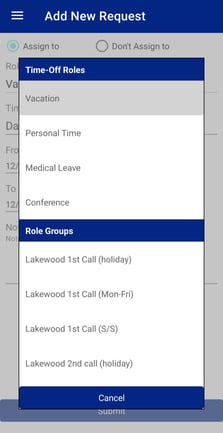
By clicking on Don't Assign To roles can be chosen to enter Don't Work On requests using the same menu options.