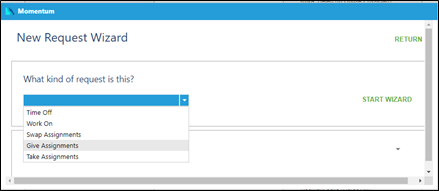
To give an assignment, select the Give Assignments option in the New Request Wizard.
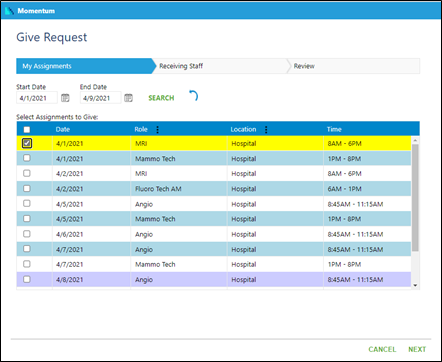
Enter a date range and click SEARCH to show a list of assignments. Select the assignment(s) you wish to give to someone else, then click NEXT.
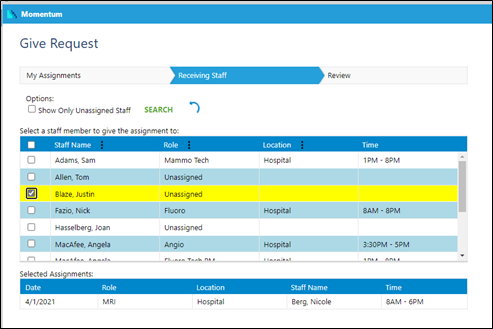
In the window which appears, select the person to whom you want to give the assignment, then click NEXT. Note the check box at the top which allows you to display only the staff members who do not already have an assignment on the day you selected.
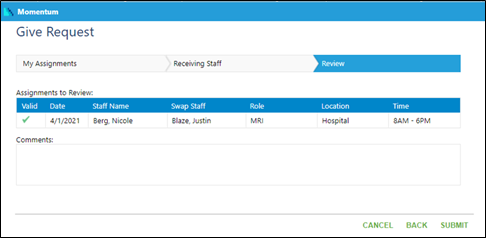
In the final window, add a comment if you wish, then click SUBMIT. This will alert the other staff member. On approval by that staff member, the request is sent to the schedule administrator for approval. Upon that approval, the staff members involved are notified and the schedule is changed.